I turned Google’s helpful content guidance into a free Claude skill that scores any draft or live page from 0 to 100 and lists the fixes in order.
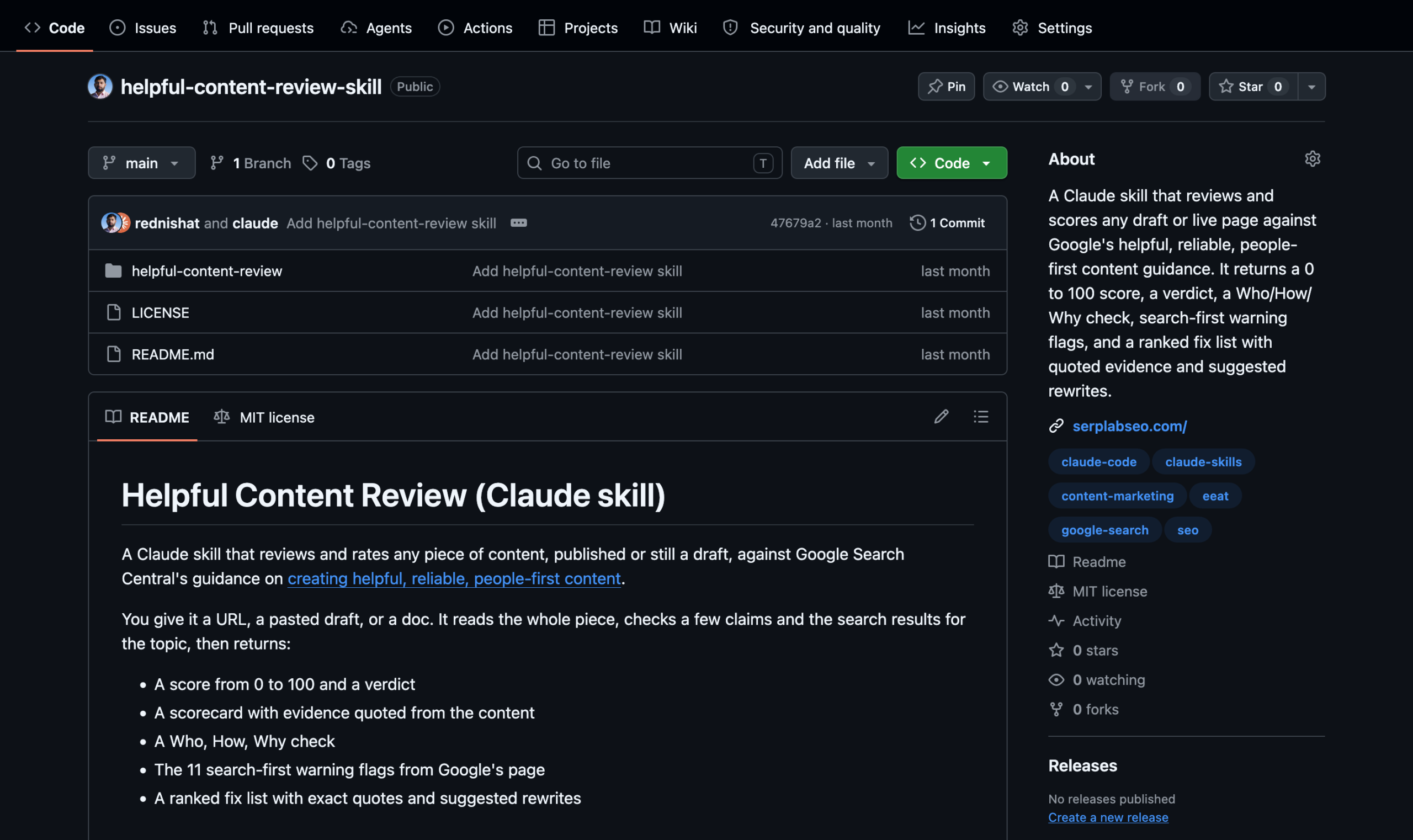
I built a free Claude skill that reviews any draft or live page against Google’s guidance on helpful, reliable, people-first content. It gives the piece a score from 0 to 100, a verdict, and a ranked list of fixes with the exact lines that cost you points. The free skill is on GitHub.
Google’s page on this topic is a long list of questions. You read it, agree with every line, and still can’t say whether your draft passes. I wanted a score I could argue with, so I turned the questions into a rubric.
What the skill returns
Give it a URL, a pasted draft, or a doc. It reads the whole piece and returns:
- A score from 0 to 100 and one of five verdicts
- A scorecard with a quoted excerpt behind every rating
- A Who, How, and Why check
- The 11 search-first warning flags from Google’s page
- A ranked fix list, each fix tied to a quoted line, with suggested rewrites
- A list of what it could not verify
How the score works
The skill rates eight dimensions from 0 to 4. Every rating needs evidence from the text, so “improve the tone” never shows up in a report. The weights favor trust and original value, because Google says trust is the most important part of E-E-A-T.
| Dimension | Weight |
|---|---|
| Purpose: people-first, not search-first | 15 |
| Original value and effort | 20 |
| Completeness and reader satisfaction | 15 |
| First-hand experience and expertise | 15 |
| Trust: who wrote it, how it was made, accuracy, sourcing | 20 |
| Title and heading honesty | 5 |
| Craft and production quality | 5 |
| Page experience (live pages only) | 5 |
Four rules keep a good average from hiding a serious problem. Fake authorship caps the score at 40. A material factual error on a health, money, or safety topic caps it at 50. Four or more search-first flags cap it at 60. A piece that fails both the bookmark test and the search-again test can’t score above 65. Those caps are my own design, built from Google’s emphasis on trust, and you can change them.
A score of 85 or higher gets a Publish verdict. From 70 to 84 is Publish after fixes, 55 to 69 is Revise, and 40 to 54 is a major rewrite. Below 40, rethink the piece.
What it checks before it scores
A score based on a read-through alone is a guess, so the skill checks outside the page first:
- It searches the topic and compares your piece with what already ranks, because Google asks whether a page adds substantial value next to other results.
- It picks three to five checkable claims, such as stats, dates, prices, and version numbers, and verifies them.
- It looks for a byline, an author page, and an About page that say something real.
When it can’t check something, it says so under “Could not verify” and doesn’t score that item as if it had.
The 11 search-first flags
Google lists eleven warning signs that content was made for search engines first. The skill answers each one with Yes, No, or Cannot tell, and quotes the evidence for every Yes.
Three examples: writing to a word count because you think Google prefers one (it doesn’t), changing a page date to look fresh when the content hasn’t changed, and covering a trending topic only because it might bring traffic. Two or three flags is amber. Four or more is red.
What I noticed while testing
I ran the skill on two live tutorials while building it. In both reports, the same two problems sat near the top of the fix list: claims that contradicted other claims on the same page, and statements with no source.
What the score can’t tell you
The score is a review aid. It isn’t a Google score. Google says E-E-A-T isn’t a specific ranking factor and that quality rater data isn’t used directly in ranking. The skill only shows how closely a piece lines up with what Google says its systems try to reward.
It won’t predict a ranking. It also won’t tell you to hit a word count, because Google has no preferred one.
Run it on your content
If you use Claude Code, install the skill in two steps:
- Clone the repo:
git clone https://github.com/rednishat/helpful-content-review-skill.git - Copy the skill folder into your skills folder:
cp -r helpful-content-review-skill/helpful-content-review ~/.claude/skills/
Then run it on a live page:
/helpful-content-review https://example.com/your-postFor a draft that isn’t published, paste the text and ask for a review. If you use Claude.ai, add the helpful-content-review folder as a custom skill. Anthropic’s help center has the current steps.
Change it to fit your content
The weights, caps, and verdict bands all live in one file. If you publish health or finance content, tighten the caps. If you review short social posts, the skill already rescales the dimensions that don’t apply. The repo uses the MIT license, so you can copy it and adapt it.
Run it on the page you feel least sure about and see what it flags. If a finding surprises you, tell me which one you disagree with.